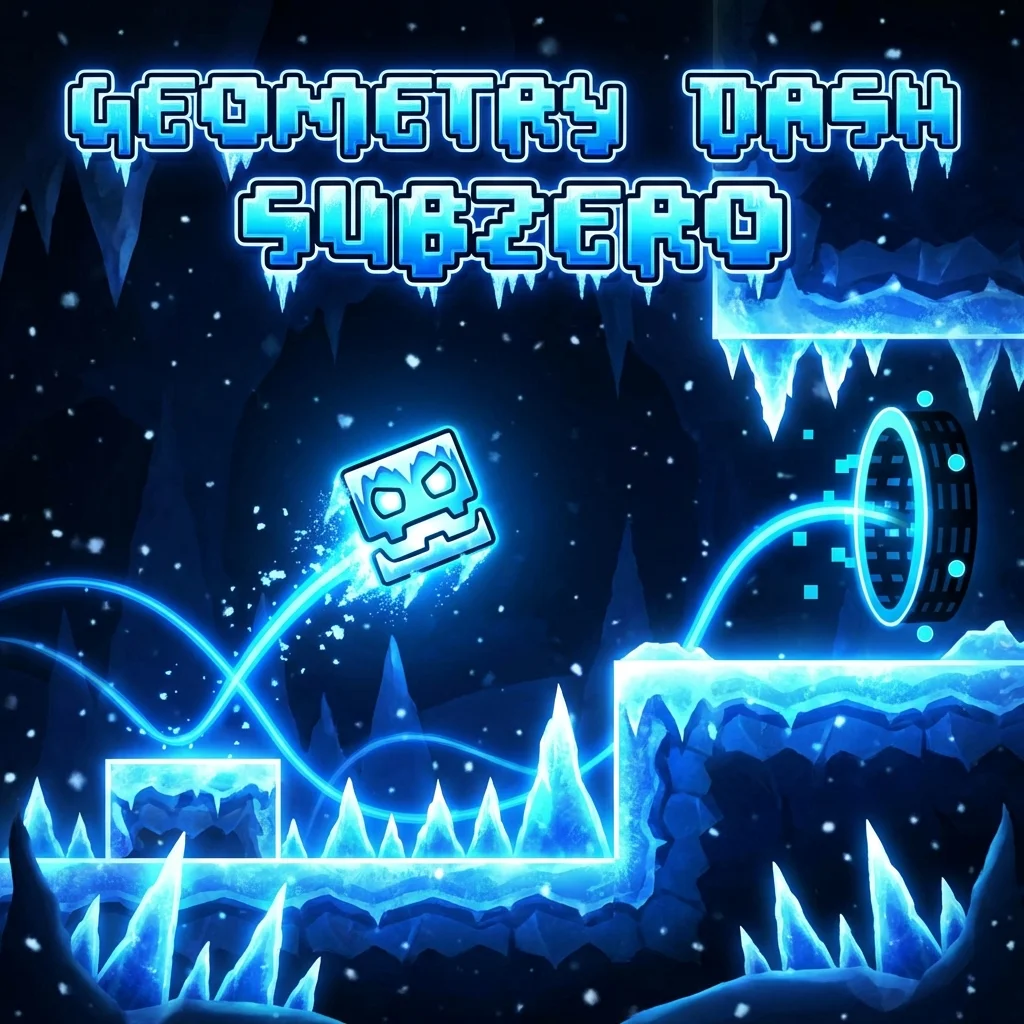
Experience the original rhythm-based platforming sensation. Jump, fly, and flip your way through iconic challenges directly in your browser.
Every jump and movement is synchronized with the beat. Listen closely to time your actions perfectly.
Progress through multiple levels with increasing difficulty. From easy starts to extreme "Demon" challenges.
Unlock new icons and colors to personalize your character as you achieve new milestones.
This is a free, lightweight browser build of Geometry Dash. It offers a quick way to practice the game's core mechanics—jumping, flying, and flipping—directly in your web browser without any downloads.
Note: This web version only includes a small subset of early levels. To access the complete game with all 22 official levels, the level editor, and millions of user-created stages, you must purchase the official Geometry Dash app on Steam, Google Play, or the App Store.
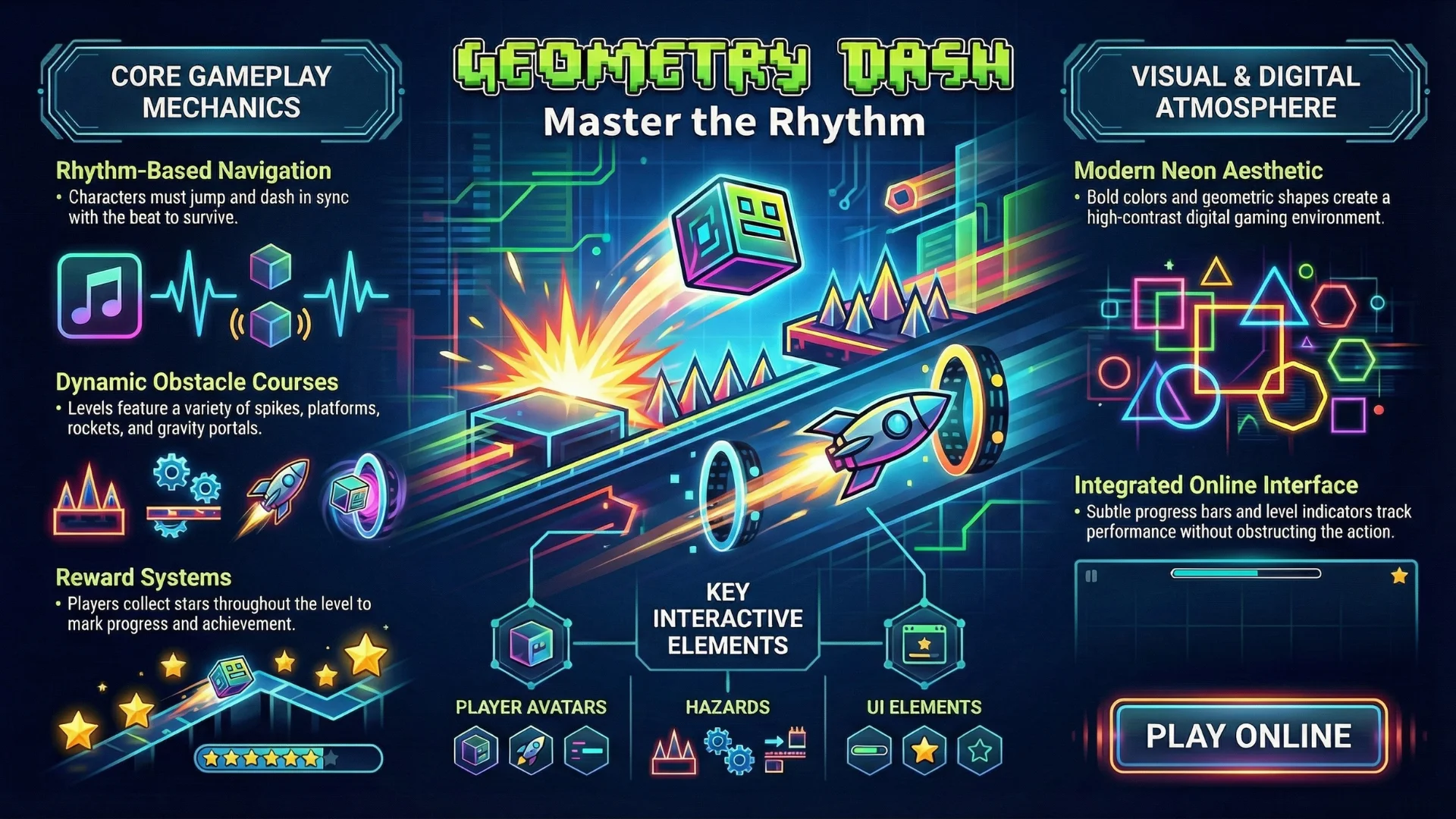
The online browser version offers the fastest way to experience the legendary rhythm-platformer without any barriers or heavy installations.
Jump straight into iconic levels without waiting for large downloads. The full rhythm experience is just a single click away.
Forget about storage limits or software updates. Our web version ensures you are always playing the latest build automatically.
Experience smooth, low-latency gameplay specifically tuned for modern browsers, keeping your jumps perfectly in sync with the beat.
Play safely in your browser environment. Our online portal is 100% free, requiring no registration, accounts, or payments.
Everything in the game is synchronized to the music. Watch and listen for beats to time your jumps perfectly through spikes and walls.
While the Cube jumps, the Ship flies by holding, the Ball changes gravity, and the Wave moves diagonally. Master each vehicle's unique physics.
Click the Diamond icon in the pause menu to use Practice Mode. Drop checkpoints to master difficult segments of a level before attempting it in Normal Mode.
Yellow rings (Orbs) let you jump in mid-air, while Pads automatically launch you. Each color signifies a different jump height or gravity shift.
You control an icon moving at a fixed speed. You must tap or click to jump over spikes and navigate obstacles. The physics change when you enter portals (e.g., the Ship portal allows you to fly by holding down the button).
This browser build includes the first few introductory levels, such as Stereo Madness and Back on Track. The hardest level available in this specific web build is usually Polargeist or Dry Out, which are rated 'Normal'. The full paid game contains 22 official levels ranging up to 'Extreme Demon'.
No. This browser version does not connect to the Geometry Dash servers. To access the database of over 100 million user-created levels or use the level editor, you need the official paid game.
Yes, the version hosted on this page is 100% free to play directly in your web browser. No download, registration, or installation is required to start dashing through the rhythm-based challenges.
Icons, colors, and effects are unlocked by achieving specific milestones. These include completing official levels, collecting secret coins, finishing map packs, or earning "mana orbs" through gameplay. Each achievement allows you to customize your character's look.
This browser build saves your progress (like level completion percentages) locally in your browser's cache using HTML5 LocalStorage. If you clear your browser data or use Incognito mode, your progress will be lost. It does not sync with official RobTop accounts.
Geometry Dash is designed to run smoothly across various devices. Check the optimized requirements for the best rhythm experience.
Perfect for high-precision gameplay and custom levels.
Optimized for touch controls and on-the-go dashing.
Note: As this is a browser-based version, performance may vary based on your hardware and internet speed. For the complete experience with all official levels and the level editor, the official app is recommended.