Practice smarter, not longer

Geometry Dash Practice Mode Tips & Strategies

Practice Mode is one of the most powerful tools in Geometry Dash — but only if you use it correctly. Many players use Practice Mode the wrong way, which leads to slow improvement and repeated failures.

Advanced strategies to master Geometry Dash levels faster

What Is Practice Mode in Geometry Dash?

Practice Mode allows you to place checkpoints and retry sections of a level without starting over. It’s designed to help players learn difficult parts, understand timing, and build muscle memory.
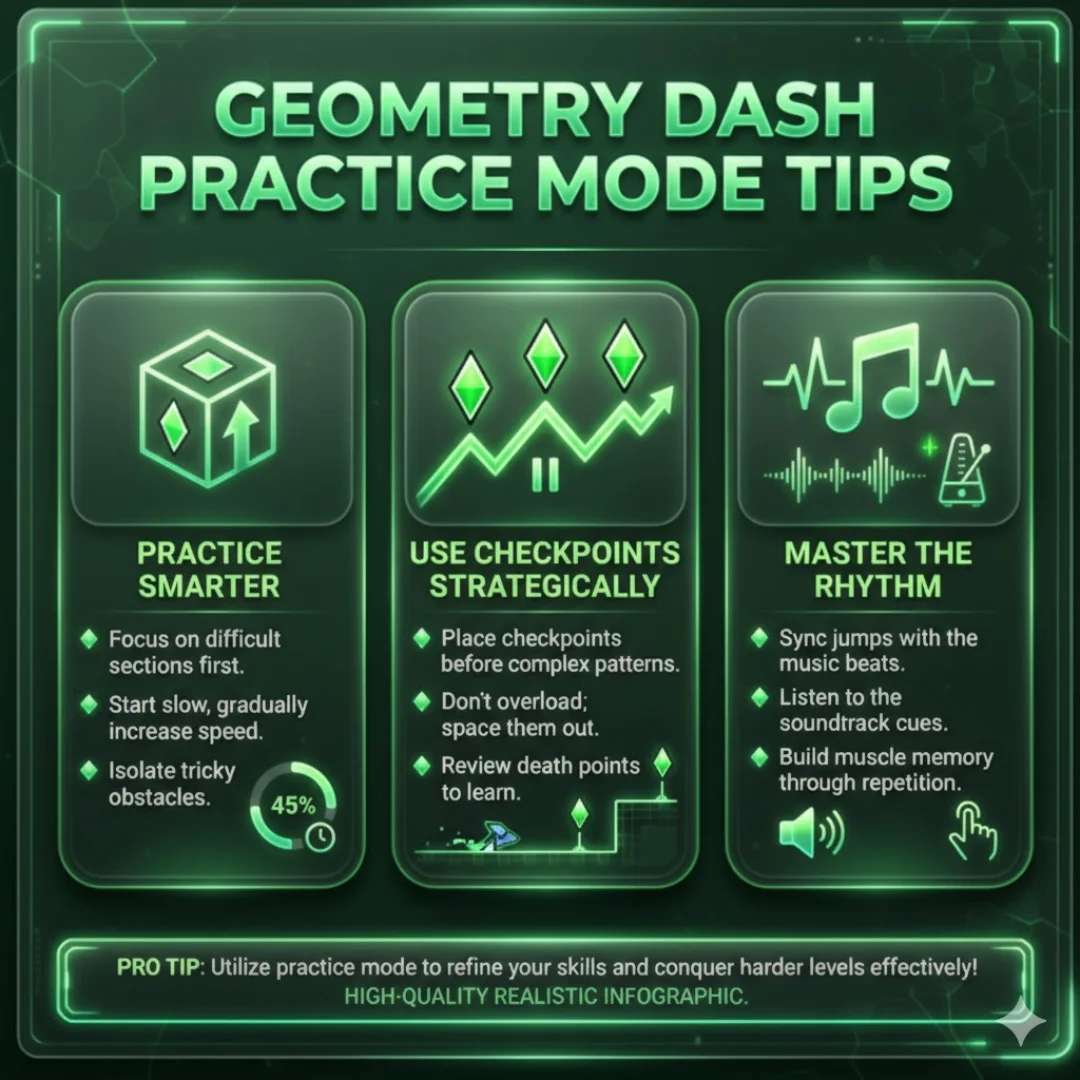
Pro Tip However, Practice Mode is most effective when used with intention, not randomly.
Geometry Dash Practice Mode Tips

Mastering levels through efficient Practice Mode usage

The Right Way to Use Practice Mode

Focus on Learning, Not Finishing

Your goal in Practice Mode is not to complete the level — it’s to understand it.

  • Learn obstacle patterns
  • Memorize timings
  • Recognize danger zones

Once learning is complete, Normal Mode becomes much easier.

Place Checkpoints Strategically

Poor checkpoint placement is one of the most common mistakes.

Best practices:

  • Place checkpoints before difficult sections
  • Avoid placing checkpoints mid-jump or mid-fall
  • Practice full sequences, not single clicks

Good checkpoint placement trains real gameplay behavior.

Remove Checkpoints as You Improve

Once a section becomes comfortable, remove nearby checkpoints.

Why This Matters

  • Builds consistency
  • Simulates Normal Mode pressure
  • Prevents bad habits

Gradually increasing difficulty prepares you for full completion.

Identify and Isolate Problem Sections

Every level has a few sections where most failures happen.

How to Find Them

  • Notice where deaths repeat
  • Watch for speed changes
  • Pay attention to mode switches

Once identified, practice these sections more than the rest of the level.

Practice Mode for Different Game Modes

Each mode requires a slightly different approach.

Ship Mode Practice

  • Focus on smooth control
  • Avoid over-correcting
  • Practice holding stable altitude

Wave Mode Practice

  • Reduce unnecessary movement
  • Keep lines straight
  • Focus on rhythm, not speed

Ball & Gravity Practice

  • Anticipate gravity flips
  • Practice transitions carefully
  • Watch portal placement

Use Music as a Learning Tool

Geometry Dash levels are rhythm-based.

Sync Your Practice With Music

  • Obstacles often match beats
  • Learn when to click based on sound cues
  • Practice with sound on whenever possible

Advanced players often memorize levels through music alone.

When to Switch Back to Normal Mode

Practice Mode prepares you — Normal Mode tests you.

Signs You’re Ready

  • Sections feel automatic
  • You can complete long sequences without checkpoints
  • You understand every obstacle

Switch early and often to build confidence.

Advanced Practice Mode Strategy

Mental Rehearsal

Before clicking, visualize the section in your head. This improves reaction speed and confidence.

Short, Focused Sessions

15–30 minutes of focused practice beats hours of unfocused attempts.

Stop When Progress Slows

Take breaks. Fatigue causes mistakes and slows learning.

Practice Mode vs Normal Mode

Feature Practice Mode Normal Mode
Checkpoints Yes No
Pressure Low High
Learning Excellent Limited
Consistency Medium High
Key Takeaway Both modes work best together, not separately.

Common Practice Mode Mistakes to Avoid

Many players slow their progress by making these mistakes.

Bad Habits

  • Placing too many checkpoints
  • Practicing while frustrated
  • Ignoring full-section flow
  • Relying only on Practice Mode
  • Never switching back to Normal Mode

Avoiding these mistakes dramatically improves results.