Download Geometry Dash for Android

If you’re looking for the main Geometry Dash experience on Android, this is the best place to start. The latest Android version includes smooth performance, updated mechanics, and full compatibility with modern devices.

Security Verified

100% Safe & Verified Android Downloads

Your digital safety is our top priority. Every Geometry Dash Android file hosted here undergoes rigorous multi-layer testing to provide a compromise-free gaming experience.

Malware Clean

100% Virus-free and malware-free APK files scanned by top industry security engines.

Original Files

Authentic, unmodified game versions directly from the official developer source.

Hardware Tested

Manually verified on multiple Android devices to ensure peak performance and stability.

Privacy First

Strictly no forced registrations, hidden trackers, or unwanted third-party installs.

Premium Android Experience

Download Geometry Dash for Android Today

Geometry Dash on Android offers endless rhythm-based challenges, creative freedom, and replay value. Choose your version, download safely, and start playing today.

Choose a Version

Select your preferred edition below

Download Geometry Dash for Android Today
Premium Choice

Geometry Dash (Full Version)

Best for complete gameplay

The full version of Geometry Dash unlocks the entire experience, including all official levels, full customization options, and access to the powerful level editor.

  • All official levels unlocked
  • Level editor access
  • Full icon and color customization
Free

Geometry Dash Lite

Best for beginners

Geometry Dash Lite is a free version designed for new players who want to try the game before committing to the full experience.

  • Selected official levels
  • Beginner-friendly difficulty
  • Free to play

Geometry Dash World

Best for short & online levels

Geometry Dash World focuses on bite-sized levels and online challenges, making it perfect for quick play sessions on Android.

  • Short, fast levels
  • Online challenges
  • Casual gameplay style

Geometry Dash Meltdown

Best for intense music levels

Meltdown delivers compact, high-energy levels with exclusive soundtracks and fast pacing.

  • Unique music tracks
  • Short but intense levels
  • Ideal for quick challenges

Geometry Dash SubZero

Best for advanced players

SubZero is designed for players who already understand Geometry Dash mechanics and want a faster, more demanding experience.

  • High difficulty levels
  • Precision-focused gameplay
  • Advanced mechanics

Play Geometry Dash Online

If you prefer not to install the game immediately, you can also try Geometry Dash online through your browser. This option is ideal for quick testing, though the installed version provides the best performance.

Play Geometry Dash Online
No Install
Secure
Browser
Play Geometry Dash Online
Instant Play

Android System Requirements

Geometry Dash is lightweight and runs well on most devices.

Minimum requirements:

Android version
5.0 or higher
RAM
2 GB
Storage
150 MB free space
Processor
Basic smartphone CPU
For smoother performance, newer devices are recommended.

How to Install Geometry Dash APK on Android

Installing Geometry Dash on Android is quick and simple. Follow these professional steps to get started in minutes.

Step 01

Download the Geometry Dash APK

Choose your preferred version in the selection section above and click the download button to get the Geometry Dash APK. Ensure the download completes before proceeding.
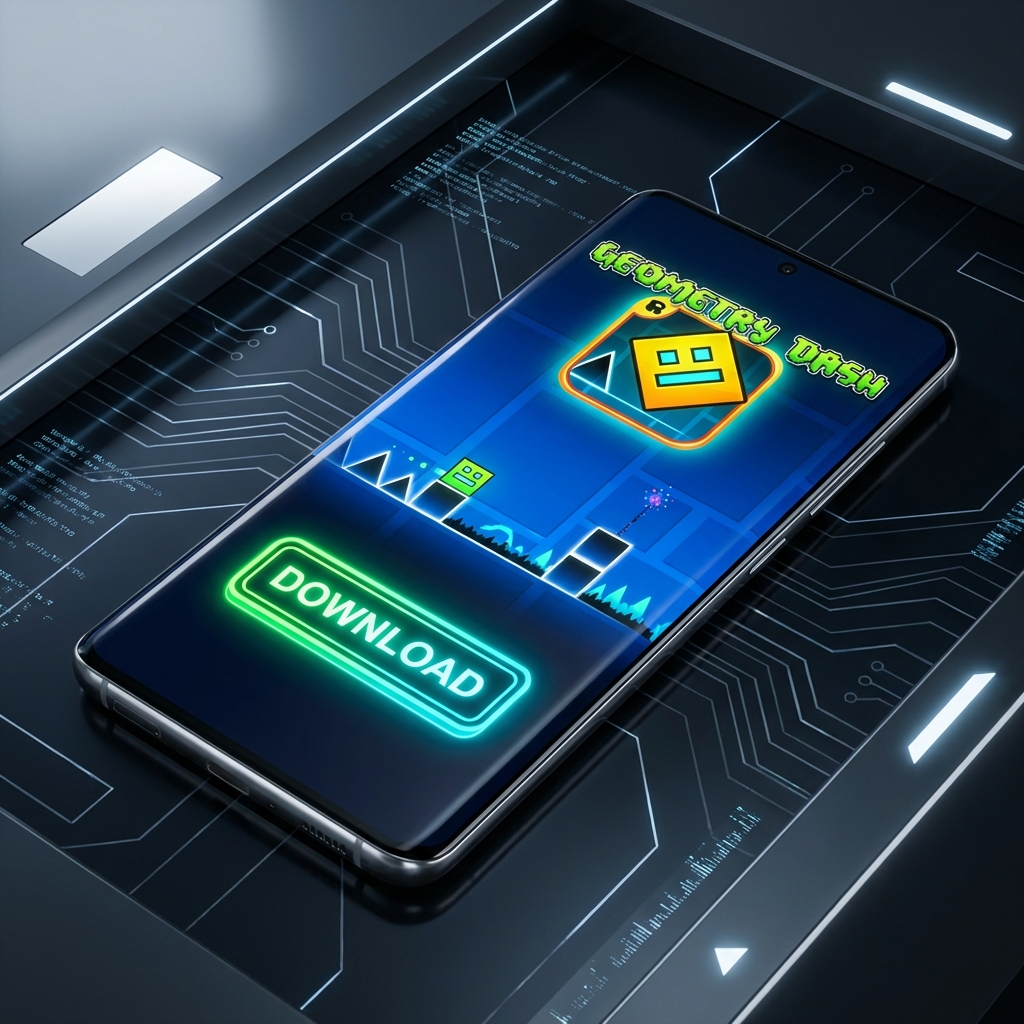
Download Geometry Dash APK
Step 02

Enable Unknown Sources

Open your phone settings, navigate to Security or Privacy, and enable the “Install from Unknown Sources” option. This allows you to install apps from outside the Google Play Store.

Enable Unknown Sources
Step 03

Start Installation

Locate the downloaded APK file in your device's Downloads folder. Tap the APK file and select "Install" to begin the installation process.
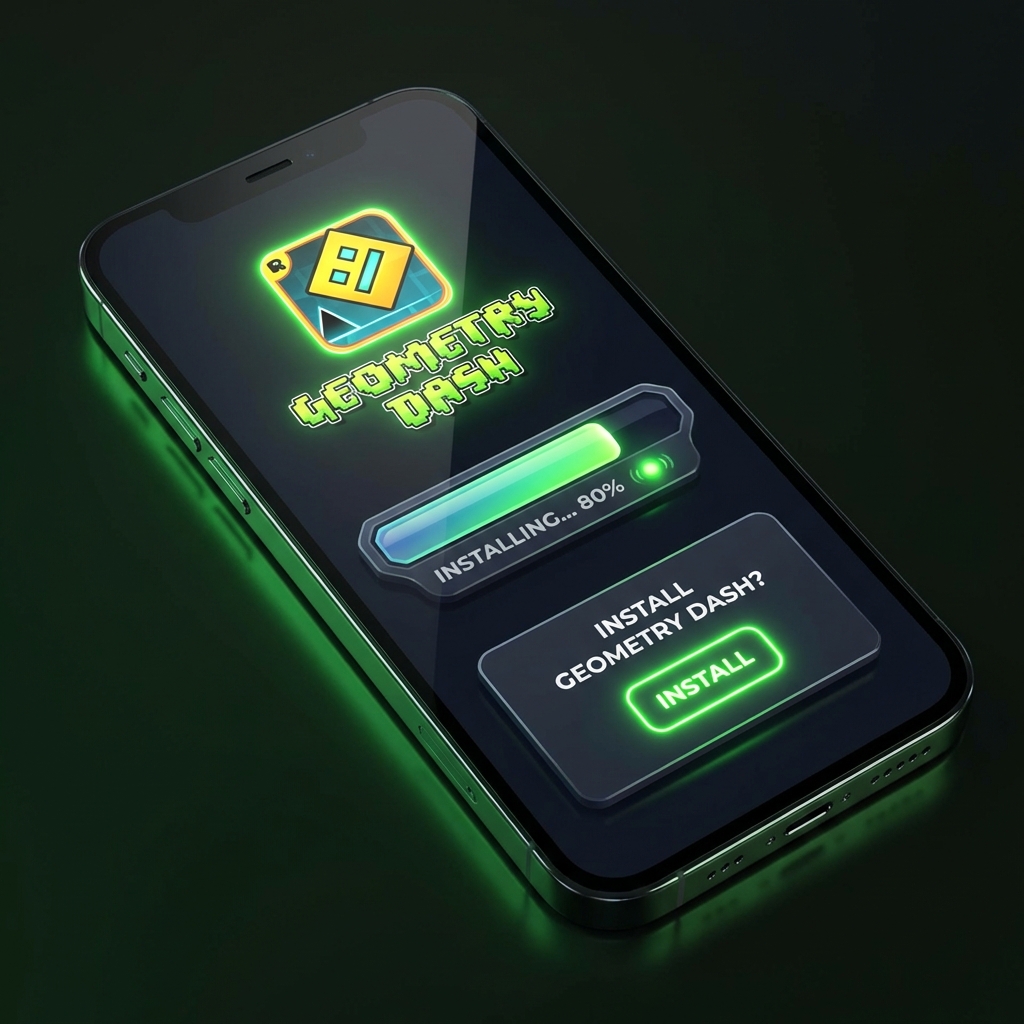
Start Installation
Step 04

Launch and Play

Once the installation is complete, find the Geometry Dash icon on your home screen or app drawer. Open the game and start playing immediately!

Launch Geometry Dash

Quick Tip: This process works on most modern Android devices without any extra configuration.

Geometry Dash for Android Devices

Geometry Dash on Android is fully optimized for touch gameplay, making every jump, flip, and flight feel responsive and precise. The game runs smoothly on both phones and tablets, allowing players to enjoy intense rhythm challenges anytime, anywhere.

Unlike many mobile games, Geometry Dash does not rely on constant internet access. Once installed, you can play offline and enjoy the core experience without interruptions.

Key Android benefits:

One-touch control system
Optimized performance on mobile hardware
Works on phones and tablets
Offline gameplay supported
Geometry Dash Android Gameplay
Mobile Ready

Frequently Asked Questions

Common questions about downloading and playing Geometry Dash on Android devices.

Some versions are free, while the full version is a paid experience.

Yes. All files provided here are verified and secure.

Yes, most versions support offline gameplay.

Yes, Geometry Dash is optimized for a wide range of devices.

Beginners should start with Lite, while experienced players should try the Full Version or SubZero.